Click to enlarge
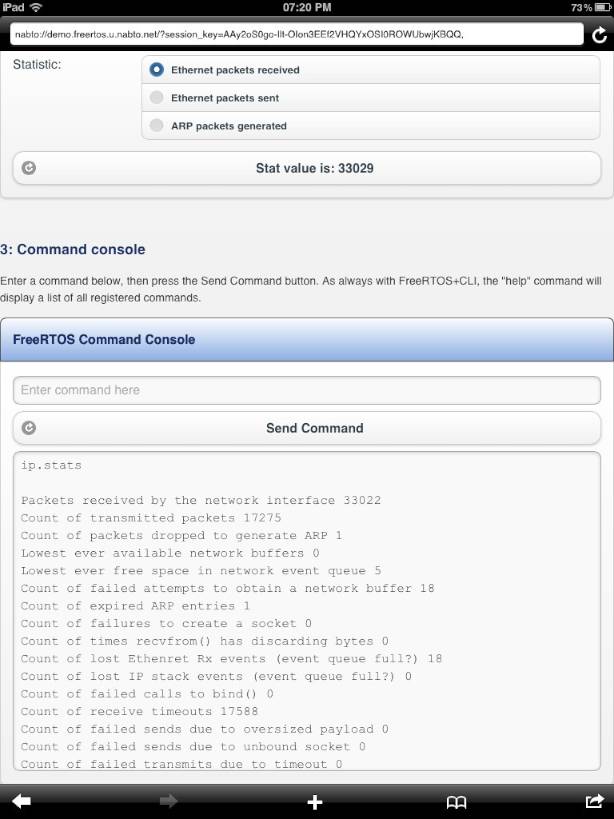
Follow the instructions below to connect to the live demo using the
Nabto iOS App.
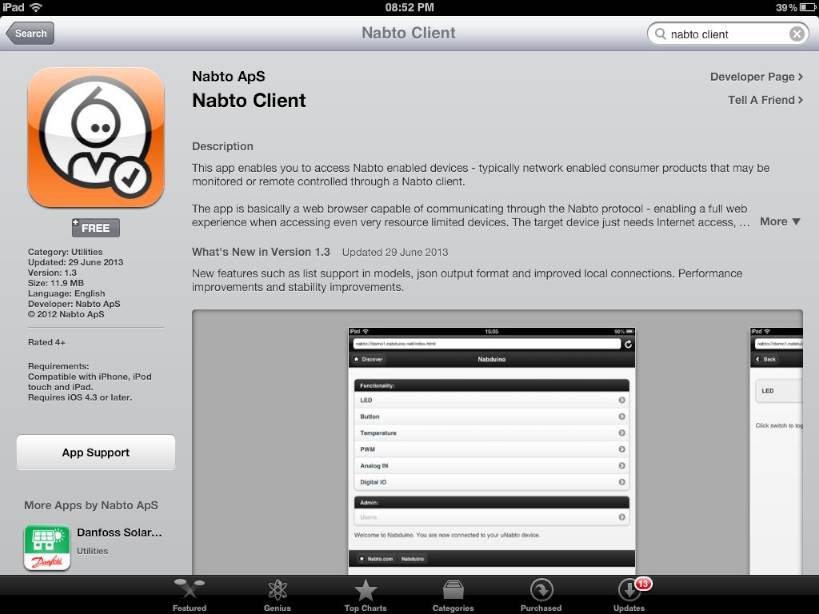
| 1. | Search for and install the Nabto Client app in iTunes. |
Click to enlarge |
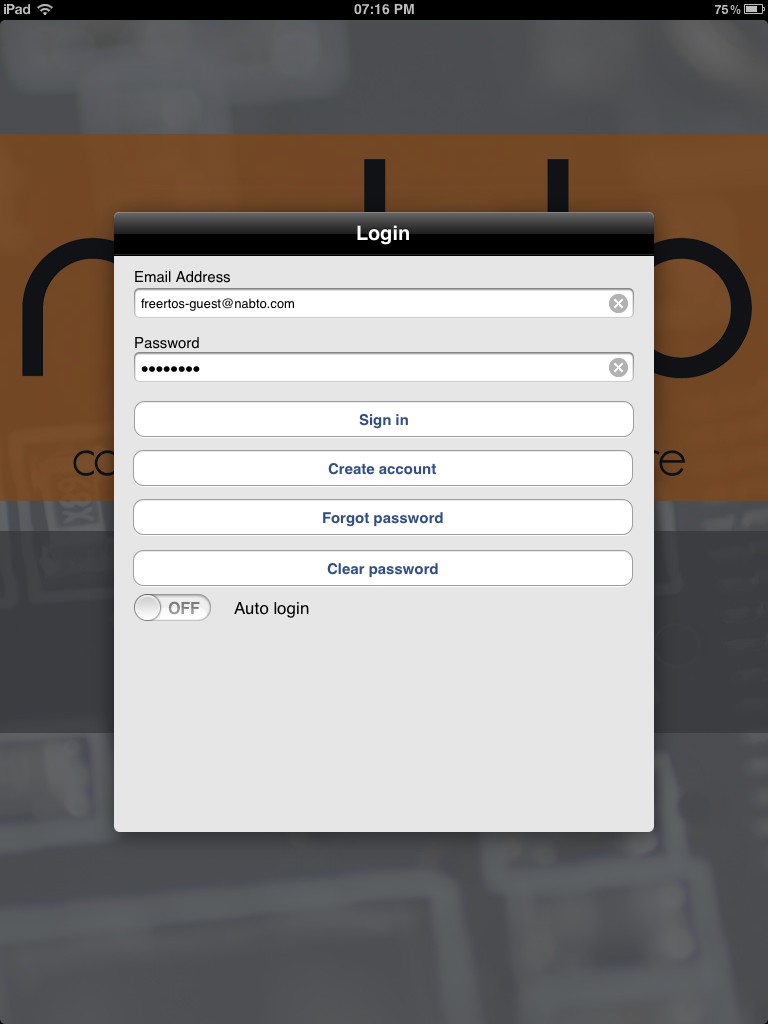
| 2. | Run the app, entering 'freertos-guest@nabto.com' as the username, and 'freertos' as the password when prompted. For simplicity this demo does not use encryption keys. |
Click to enlarge |
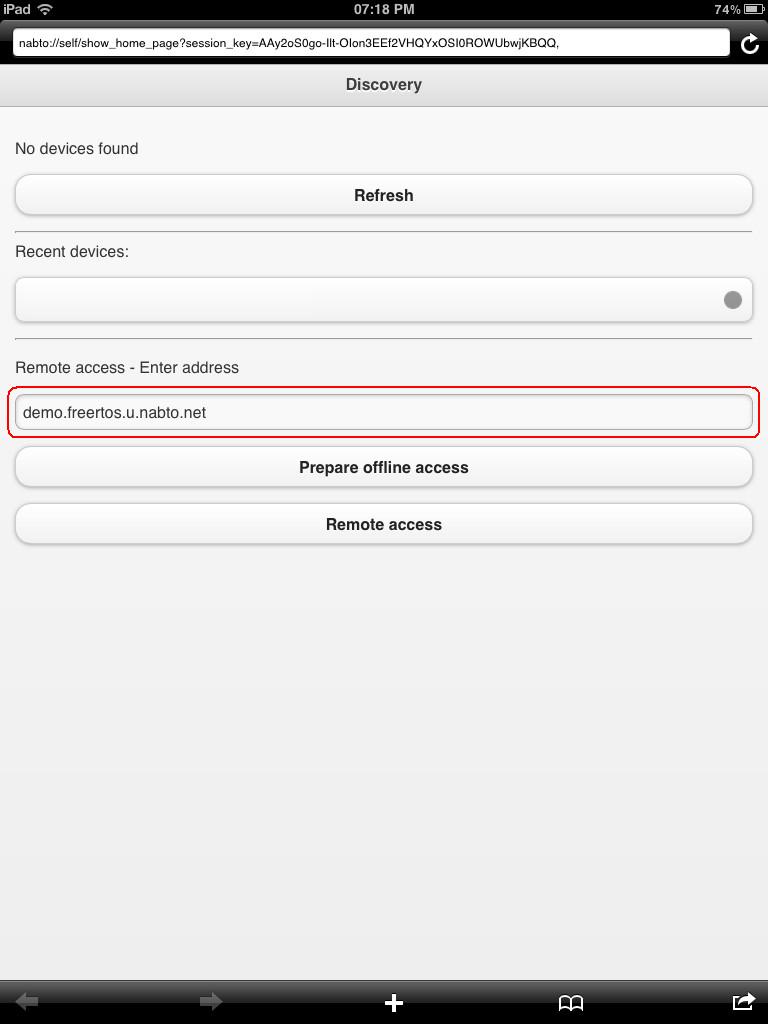
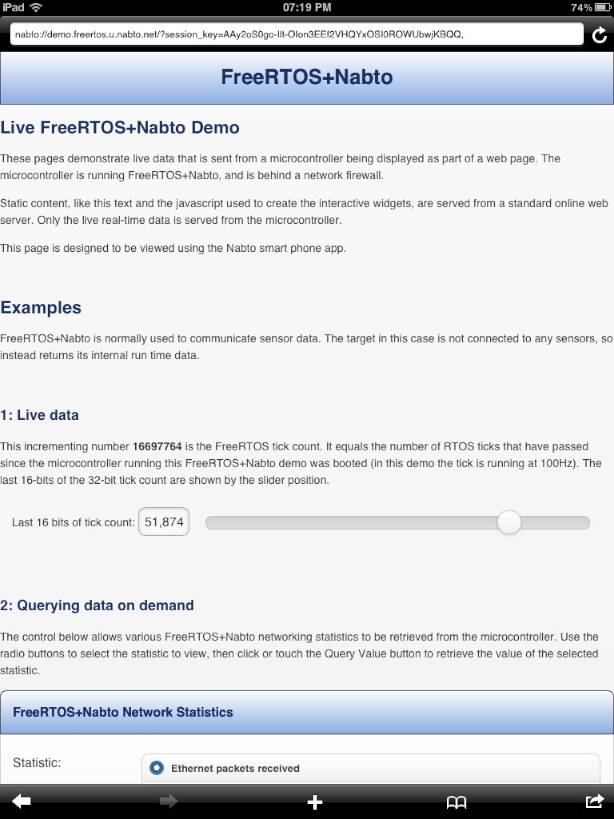
| 3. | The Discovery page will be shown. Enter the URL 'demo.freertos.u.nabto.net' (highlighted by the red box in the image on the right), then touch "Remote Access" |
Click to enlarge |
Click to enlarge |
Click to enlarge |