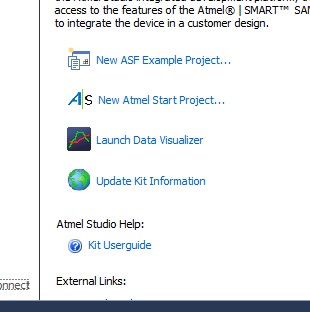
The "New Atmel START project..." link
If the board you plugged into your host computer is a custom board, or is not supported by Atmel START, then refer to the the Atmel START information page to see how to start a new Atmel START, project and configure the project for your microcontroller and hardware.
If you are using an Xplained Pro or Xplained Ultra board then the pins will already be set correctly for the connected hardware.
If you are using an Xplained Pro or Xplained Ultra board then the clocks will already be set correctly for the connected hardware.
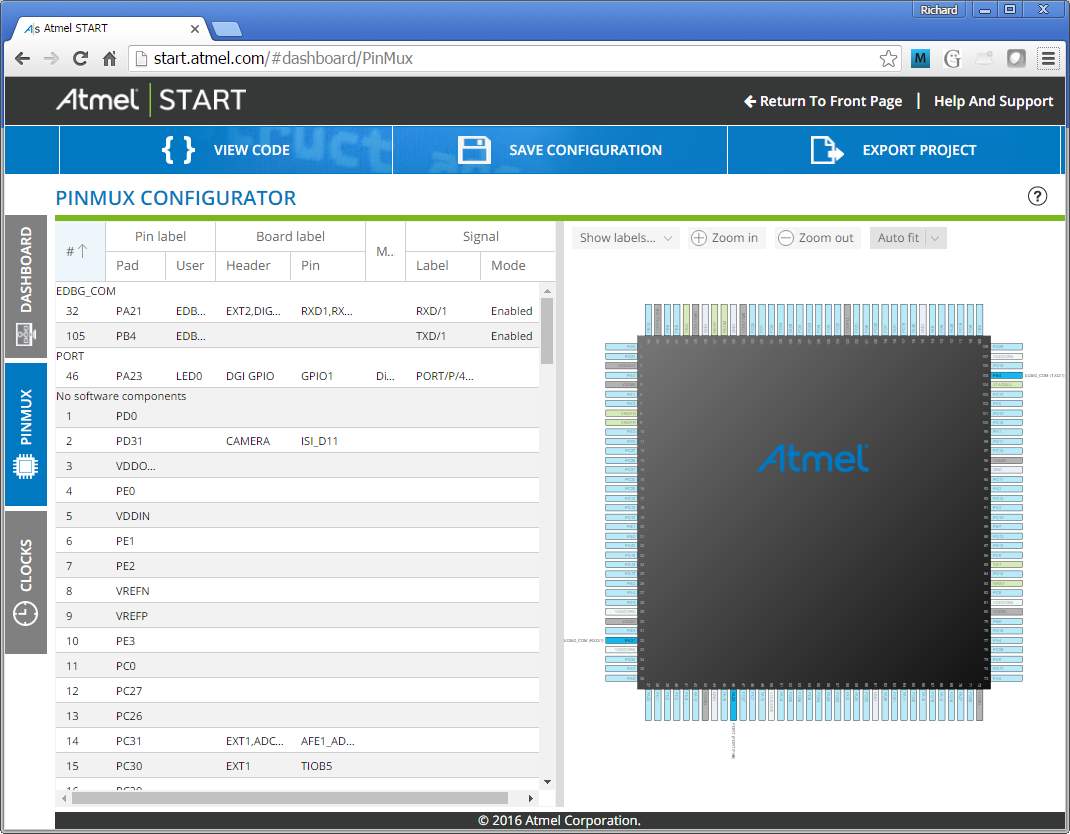
Pin names and functions, configured correctly for
the SAMV71 XPlained Ultra board. Click to enlarge |
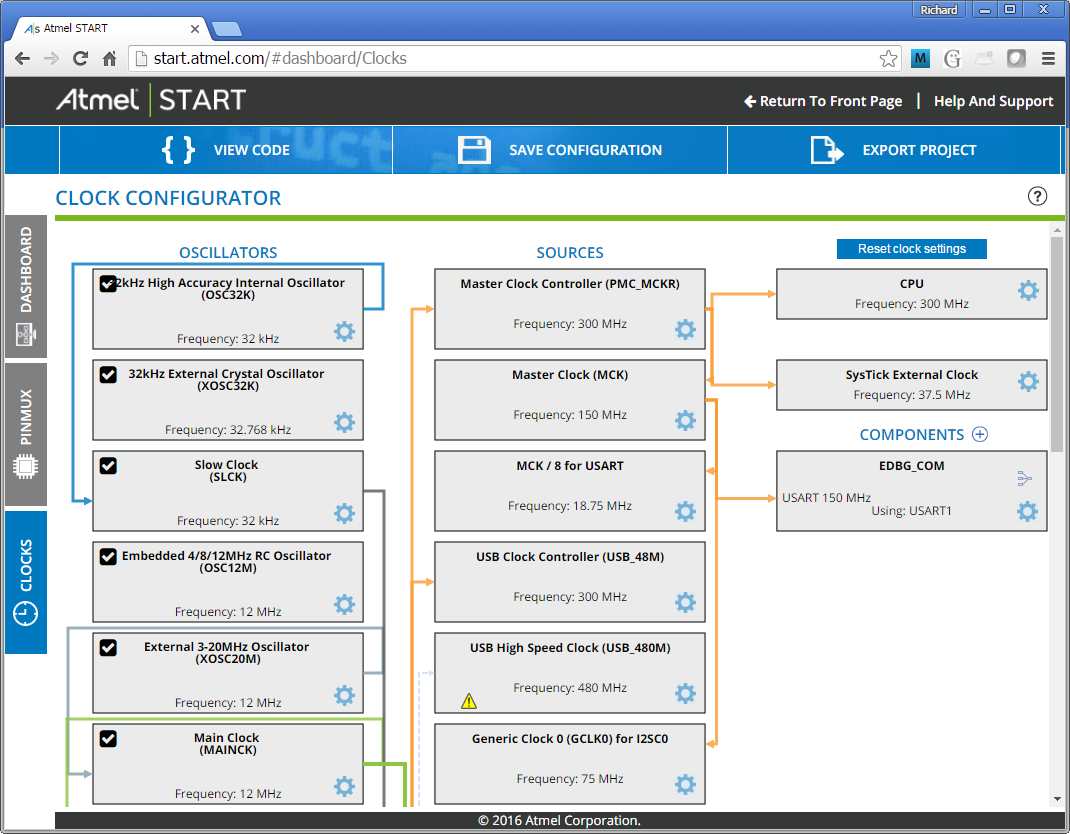
Clocks, configured correctly for the SAMV71
Xplained Ultra board. Click to enlarge. |
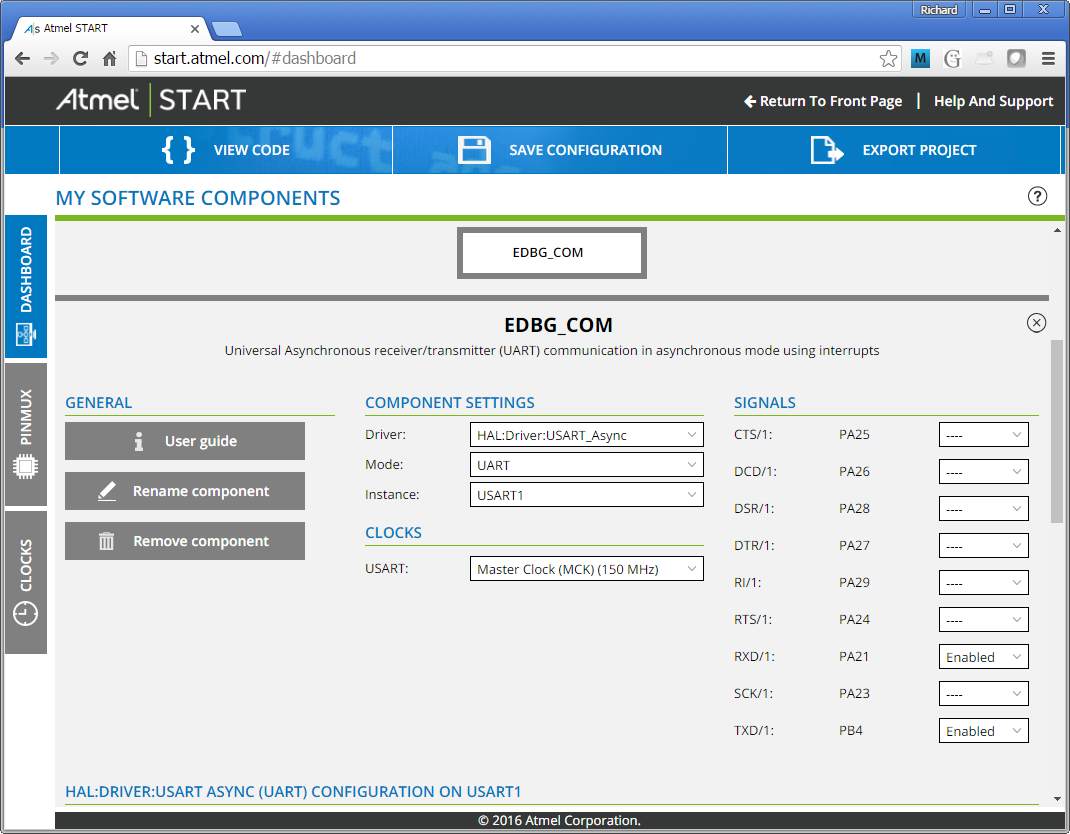
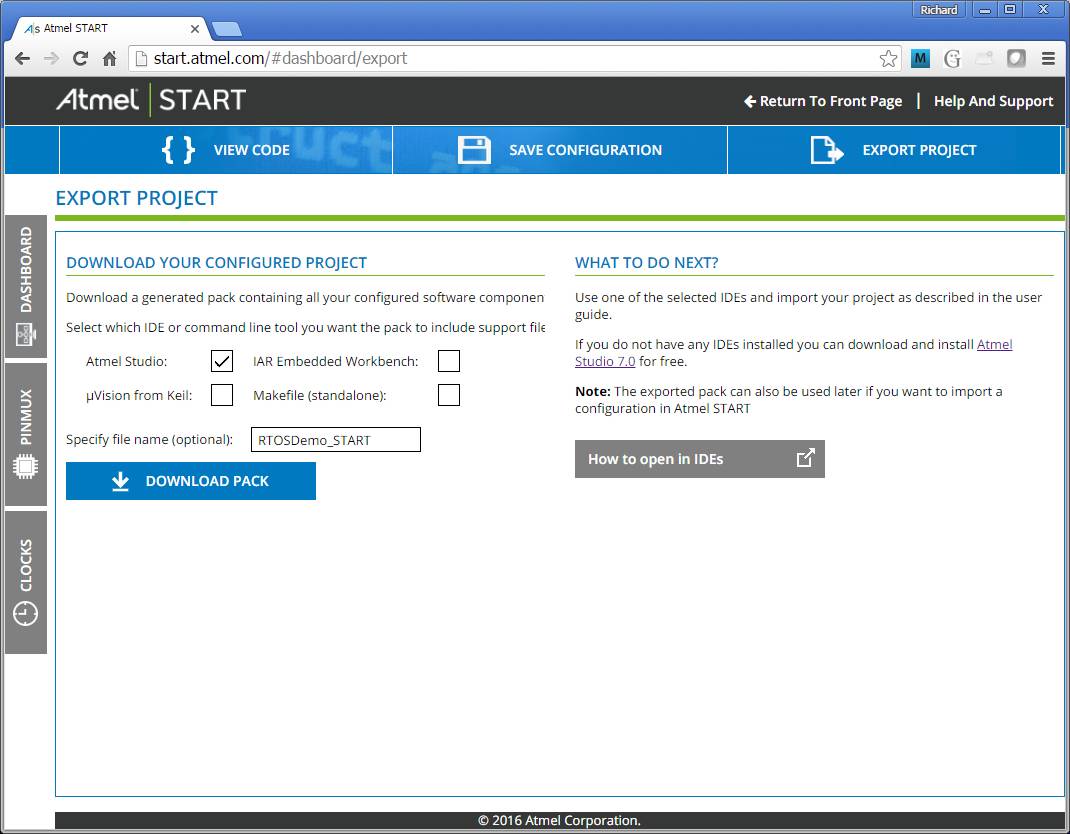
The exported project will be opened and can then be built and debugged as described on the Atmel Integrated Development Workflow page.
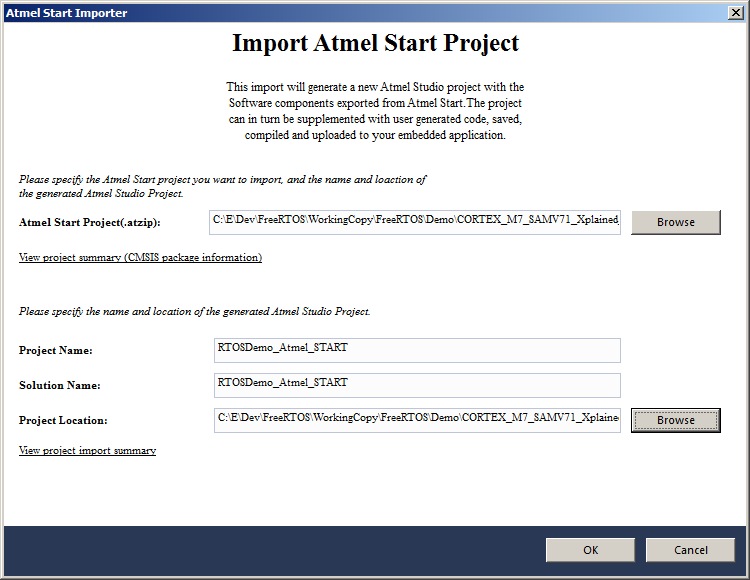
Importing the Atmel START project into
Atmel Studio. Click to enlarge |
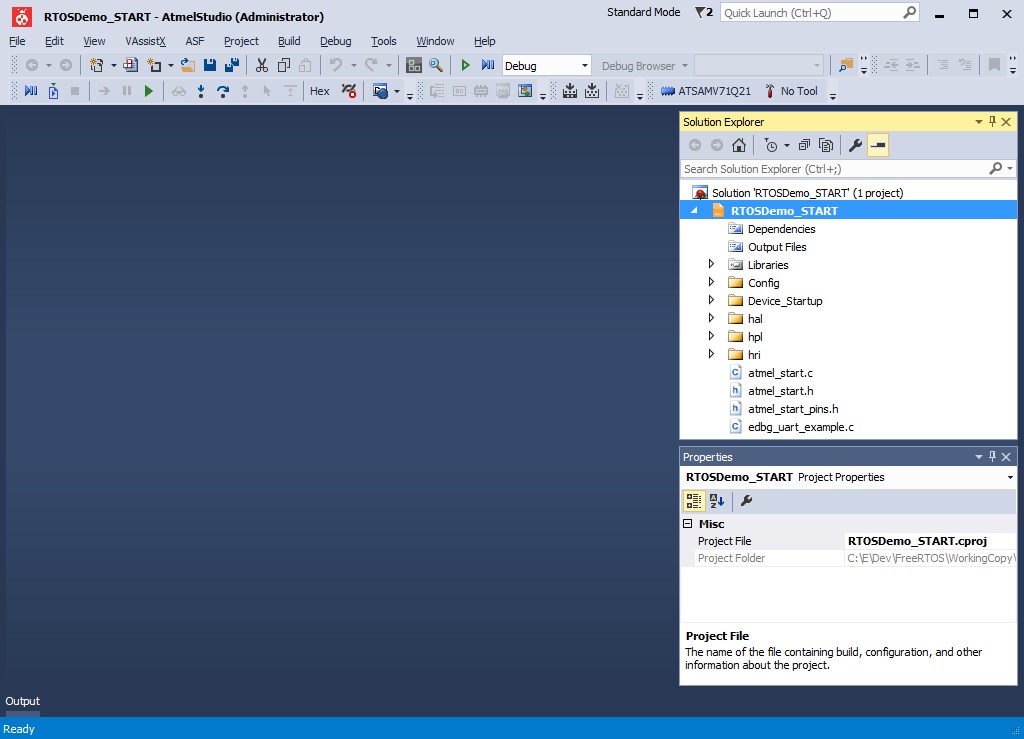
The project after importing into Atmel Studio.
Click to enlarge |